Liinks now runs an MCP server, which means you can connect Claude, ChatGPT, Cursor, or any other MCP-capable assistant to your account and edit your page by describing what you want.
"Add my new podcast episode to my page." "Move the newsletter signup above the shop link." "Read me this week's contact form submissions." The assistant reads your profile, makes the change, and can render a screenshot of the result to check its own work.
It runs on your existing API key, so setup is two lines of configuration in whichever client you use.
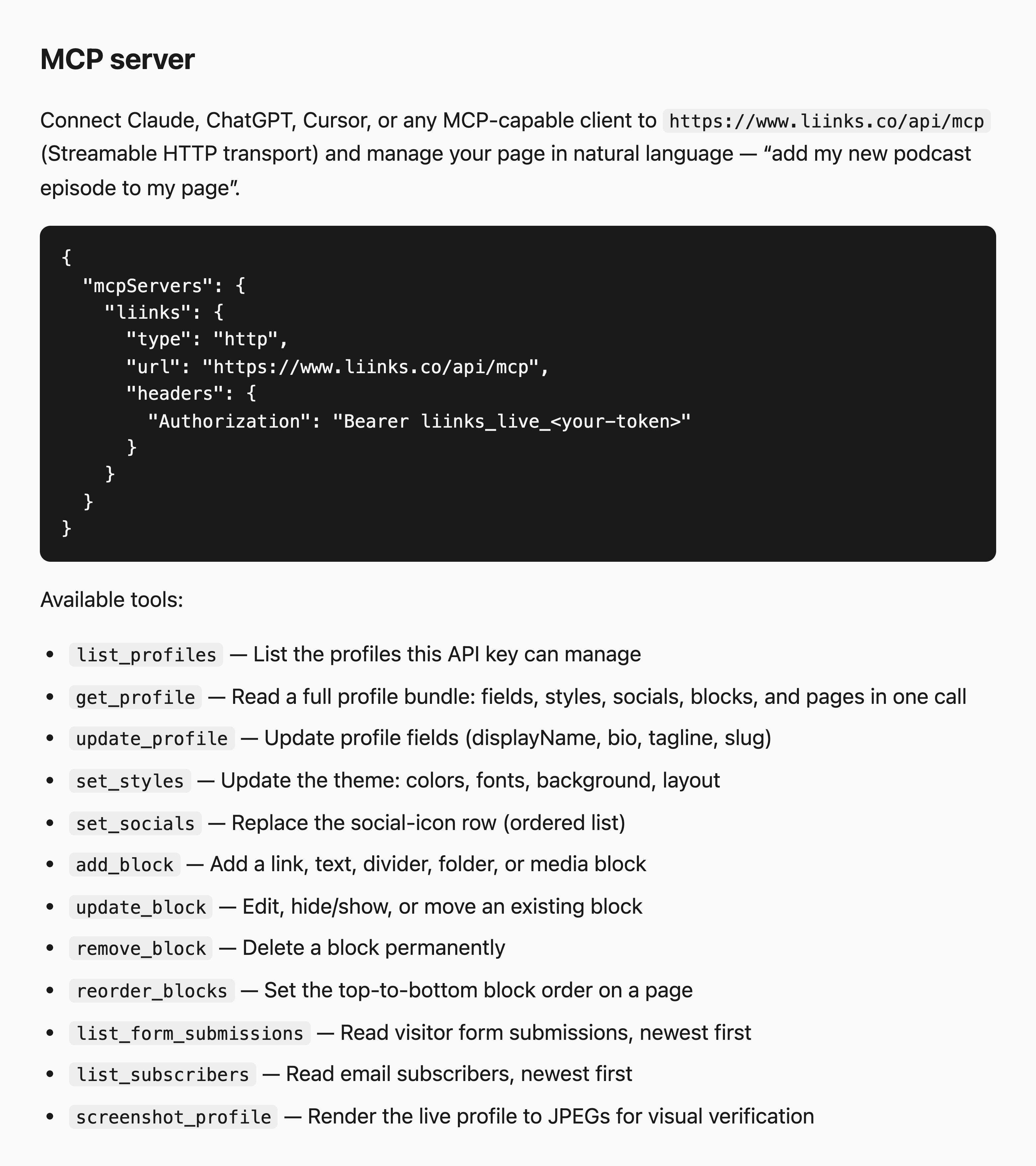
There is also a new developer portal at liinks.co/developers collecting everything in one place: how to get a key, a REST quickstart, the MCP setup above, the error model, rate limits, and our versioning policy.
See Connect an AI Assistant (MCP) for the walkthrough, or Public API if you would rather write the requests yourself.