Paste a URL into the page editor and Liinks fills in the title, description, and image for you. Some sites block automated readers, though, and when that happened you were left with a blank preview and no way to tell why.
Two changes fix that.
Previews retry. If the first read of a page comes back blocked or empty, Liinks now tries again from its own servers instead of giving up. Links to sites behind bot protection that used to come through bare will often fill themselves in now.
You can see the result. The free Open Graph Debugger has a new What Liinks sees panel showing the exact title, description, and thumbnail we resolve for a page, and naming the user agent we fetched it with.
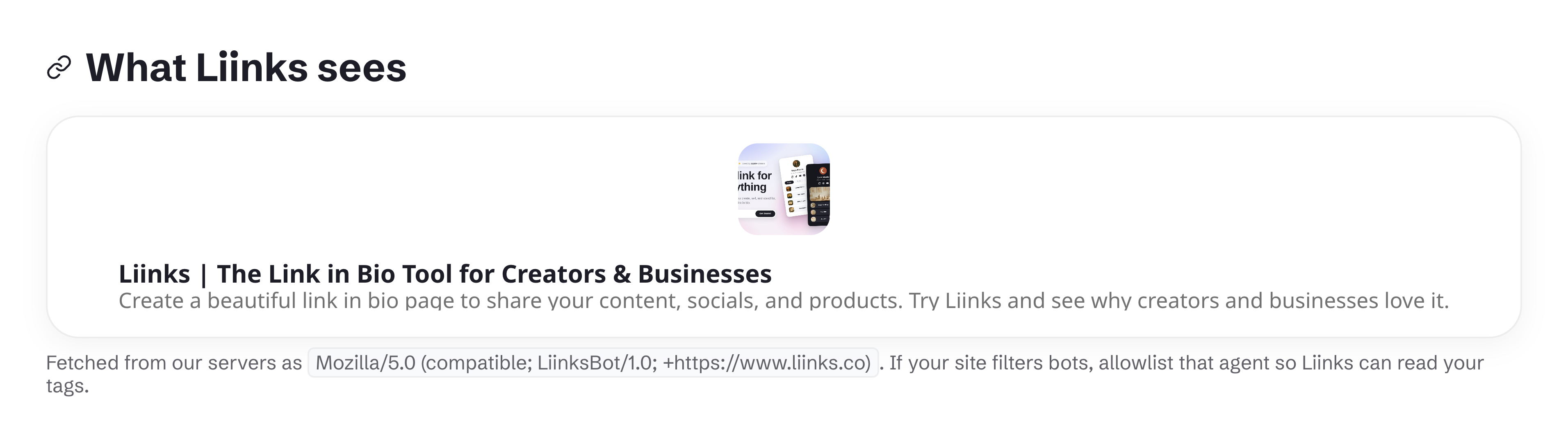
If you run the site you are linking to and the preview still comes back empty, allowlist LiinksBot in your CDN, firewall, or security plugin and it will read normally.
See Link Previews for the full walkthrough.